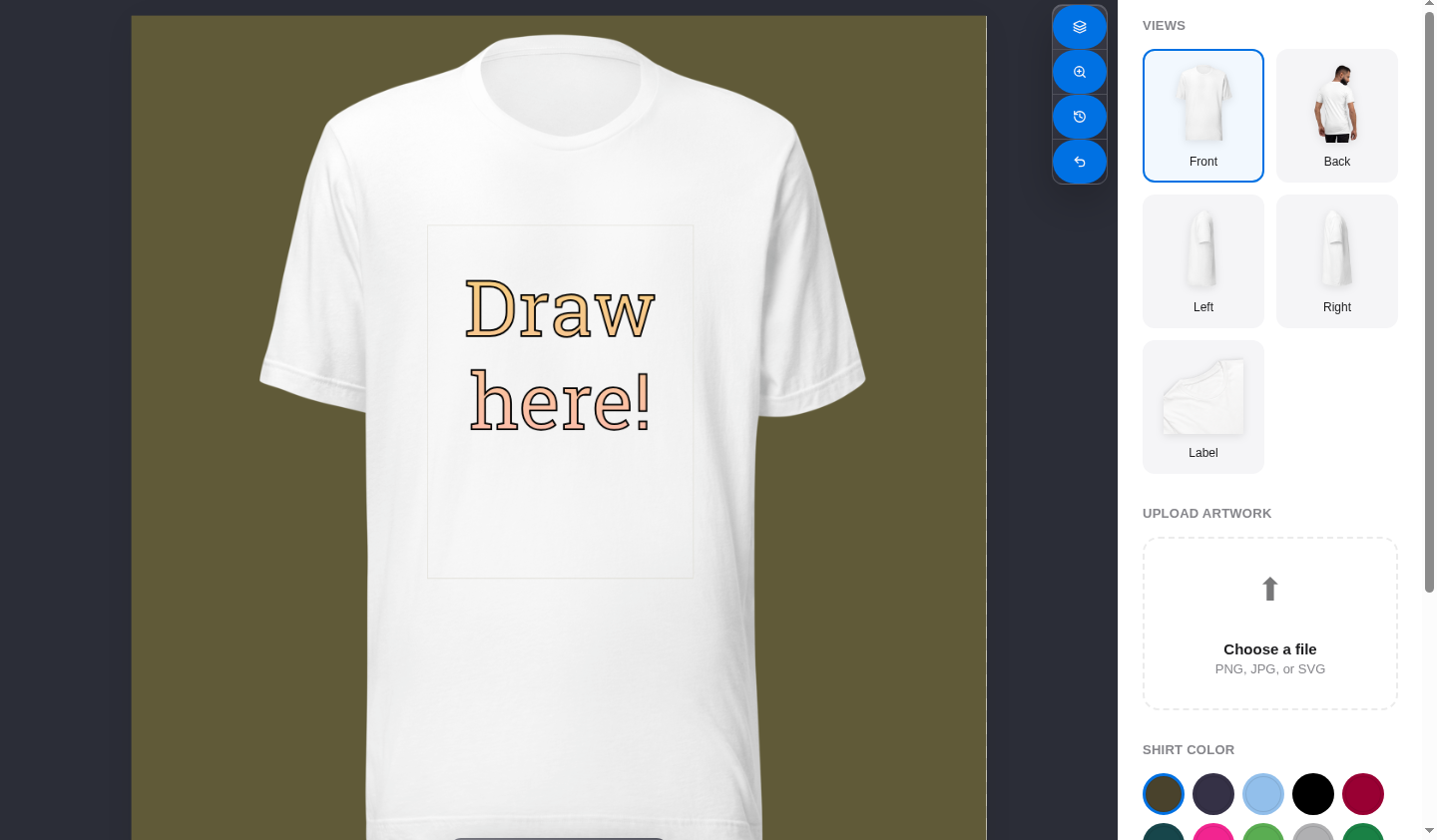
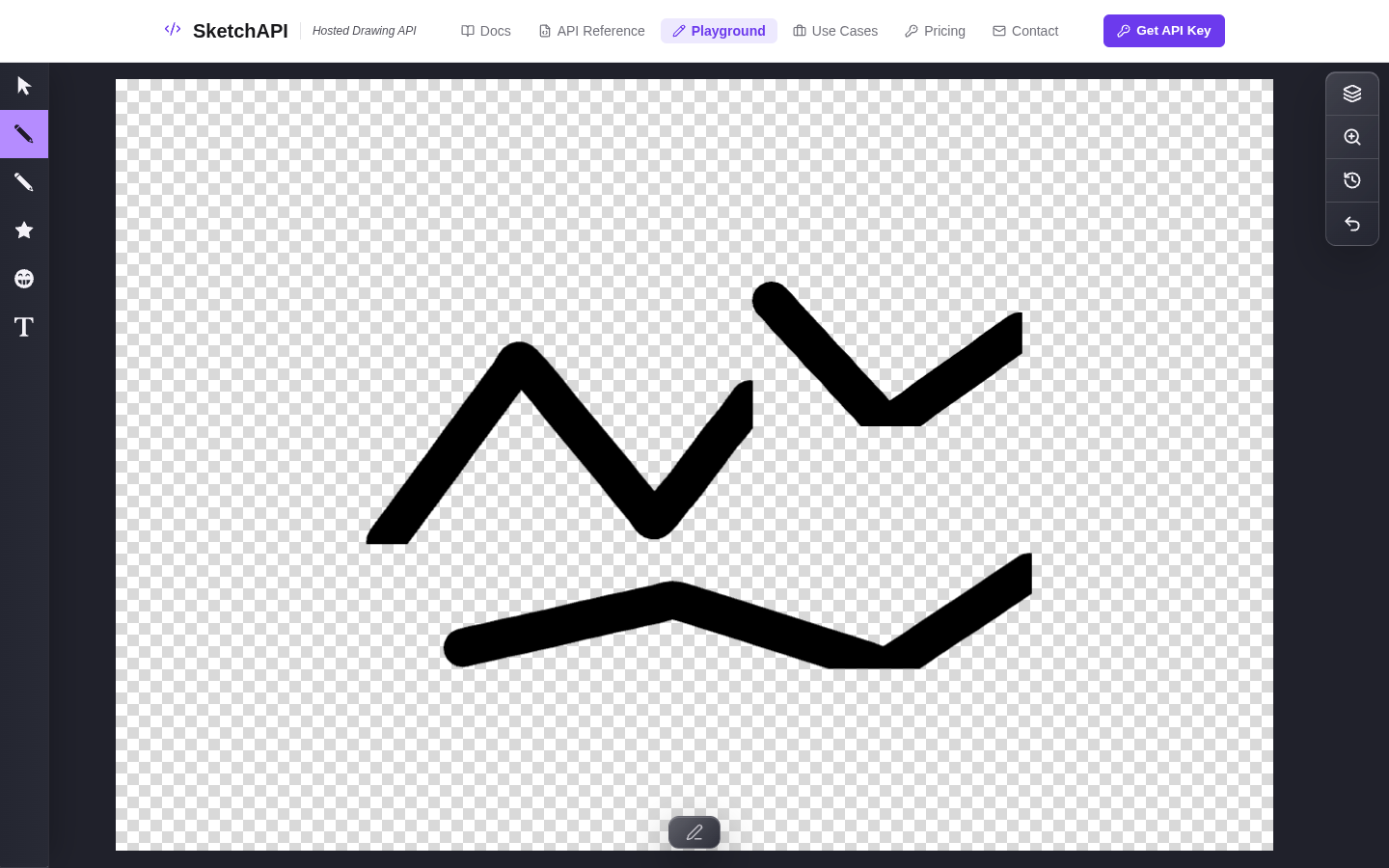
Drawing SDK for the web

Drawing tools are hard to build. So don't.

SketchAPI is a production-grade drawing SDK that drops into your app. So you can spend your engineering time on the thing your users are actually paying for.

Open the playground
Already in production

Prototypes are easy. We built for the part that comes after.

Most canvas libraries nail the demo and crumble under real usage. SketchAPI starts where those libraries stop: reliable rendering, predictable exports, and controls that hold up when real users start pushing buttons.

$0 to start
6 AI providers
5 browser targets
3 input modes
Where it runs
From a museum lobby to a SaaS dashboard.

Same codebase, wildly different products. The SDK adapts to where your users are, not the other way around.

Why teams switch
  • Tools that feel finished, not "good enough for now"
  • Enough hooks to make it unrecognizable as a third-party library
  • Exports your design team won't send back
Build things like
  • Annotation and markup tools
  • Illustration and digital art apps
  • Interactive exhibits for public spaces
Who it's for

Three very different problems. One SDK that handles all of them.

Developers

You've got a product to build. The canvas engine shouldn't be the hardest part of it. Drop in the SDK, wire up your tools, and get back to the work that actually matters.

  • Embeddable JavaScript SDK
  • Plugin-friendly architecture
  • Works with modern web apps

Museums & Installations

Visitors don't read instructions. They just touch the screen. This is built for that: big displays, all ages, zero training required.

  • Touch and stylus ready
  • Full-screen kiosk deployments
  • Built for all-ages interaction

Product Teams

Your PM just asked for annotation. Next quarter it'll be a whiteboard. Start with one SDK that grows into whatever your roadmap throws at it.

  • Theming and branding hooks
  • High-res export workflows
  • Production-ready controls
Developer quick start

Ten lines to a working canvas.

Count the lines in that snippet. That's a working canvas with five tools and an export hook. Everything after this is just customization.

Import, configure, mount

Pull in the SDK, pick your tools, mount the canvas. You'll spend more time choosing which tools to enable than writing the integration code.

Then make it unrecognizable

Custom tools, branded themes, new export targets, product-specific behavior. By the time you're done, nobody will know there's an SDK underneath.

app.js
import { Sketchpad } from '@sketchapi/sketchpad'

const sketchpad = new Sketchpad({
  theme: 'light',
  tools: ['brush', 'text', 'shape', 'layers'],
  onExport: handleExport
})

await sketchpad.load()
document.body.appendChild(sketchpad)
What's in the box

What you get before writing a single line of custom code.

Embeddable Canvas

One import. A full drawing surface in your app. Controls, extension points, and none of the six months it would take to build yourself.

Real Drawing Tools

Brushes, shapes, text, layers, effects. The kind of tools people use to create real work, not the kind they tolerate in a demo.

Cross-Device Input

Works the way people expect on every device. Mouse on desktop, touch on tablets, stylus on creative hardware.

Professional Output

Export high-res assets, vector-friendly files, and print-ready output. The kind of quality that survives production.